Free Online Tools That Replace Expensive Software in 2026
The best free online tools now handle jobs that once demanded paid desktop suites. Converting a file, compressing a photo, calculating your health numbers, or cleaning up messy text used to mean installing bulky software or paying a monthly subscription. In 2026, a browser tab does it faster and for nothing.
This guide maps out the categories worth bookmarking, explains why browser-based utilities have gotten so good, and shows how to build a lightweight toolkit that covers most of your daily digital chores.
Why Free Online Tools Beat Bloated Software
Installed programs carry hidden costs: disk space, update nags, license fees, and the occasional security patch you forget to apply. Browser tools sidestep all of it. They load when you need them and vanish when you close the tab.
Modern browsers are surprisingly powerful. Thanks to fast JavaScript engines and standards like WebAssembly, tasks such as image resizing and PDF editing run locally, right on your device. That means speed and privacy in one package.
- No installation: Nothing to download or update.
- Cross-device: The same tool works on a laptop, tablet, or phone.
- Often private: Many tools process data in-browser, so files never upload.
- Zero cost: Most cover the essentials for free.
The Core Categories Worth Bookmarking
You do not need a hundred tools, just the right handful. Here are the categories that cover the vast majority of everyday needs.
Converters
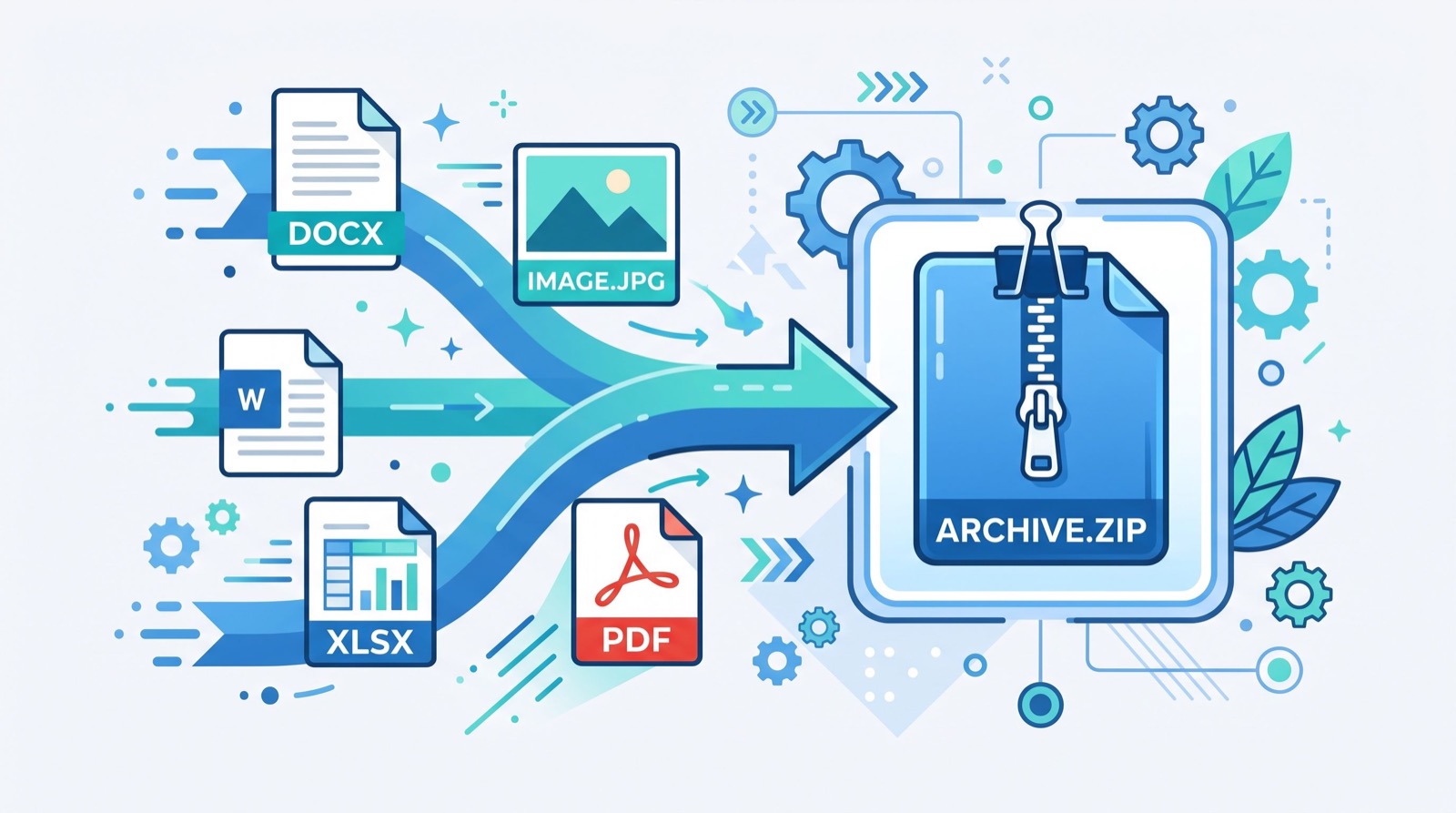
Turn images between formats, swap units, change currencies, or convert documents. These are the workhorses of any toolkit and save you from clunky one-off downloads.
Calculators
From loan interest to health metrics, calculators remove guesswork. A popular one is the BMI calculator, which gives an instant read on where your weight sits relative to standard ranges.
Text and Developer Utilities
Word counters, case converters, JSON formatters, and hash generators keep writers and coders moving without breaking flow.
A Practical Everyday Toolkit
Here is a lean set that handles most tasks. Start here, then add only what you actually reach for.
| Need | Tool Type | Replaces |
|---|---|---|
| Shrink a photo | Image compressor | Paid editors |
| Merge or split PDFs | PDF utility | Desktop PDF suites |
| Check health metrics | BMI calculator | Fitness apps |
| Convert currency | Currency converter | Manual math |
| Clean up text | Text formatter | Word processors |
You can find all of these gathered under one roof of free online tools, which saves you from hunting across a dozen ad-heavy sites.
Are Free Online Tools Actually Safe?
Safety depends on how a tool handles your data. The best ones process everything in your browser and never upload your files. To check, load the page, disconnect from the internet, and see whether the tool still works. If it does, your data stayed local.
For calculators that touch health data, it helps to understand the source of the formula. The World Health Organization publishes the standard BMI categories that most calculators follow, so you can trust that a reputable tool matches recognized guidance.
Red Flags to Watch For
- Forced sign-ups just to run a simple tool.
- Aggressive pop-ups or fake download buttons.
- No explanation of how your data is handled.
- Requests to upload sensitive files when local processing would do.
How to Build Your Own Tool Habit
The trick is not collecting tools; it is remembering to use them. Follow these steps to make browser utilities second nature.
- Bookmark one trusted hub so you always start from the same place.
- Pin the two or three tools you use weekly.
- Test each tool once with sample data so you trust the result.
- Replace one paid app this month with a free equivalent.
- Share the hub with a colleague to reinforce the habit.
Choosing tools is a bit like hiring help for a big project: you want an experienced local team you can rely on rather than a random name. Consistency and trust matter as much online as they do offline.
Real Tasks You Can Finish in Under a Minute
The value of browser tools becomes obvious once you see how fast common chores go. Each of these used to require opening a heavy program or paying for an app.
- Resize a photo for a job application or profile in one drag.
- Merge three PDFs into a single attachment before sending.
- Convert a currency for a quick freelance quote.
- Count words in an essay to hit a limit exactly.
- Check your BMI before a doctor visit.
None of these tasks need an installed suite anymore. That is the quiet revolution browser utilities have delivered over the past few years.
How Browser Tools Protect Your Privacy
Privacy is where the best free tools truly shine. When processing happens on your device, sensitive files like resumes, medical documents, or financial statements never leave your computer.
This client-side model matters because uploads are where leaks happen. A tool that never receives your file cannot lose it. Before trusting any utility with a private document, run the offline test: load the page, disconnect, and confirm it still works.
Questions to Ask Before You Upload
- Does the tool process files in the browser or on a server?
- Is there a clear statement about data handling?
- Does it delete server-side files quickly if it must upload?
- Can I accomplish the task with a local-only tool instead?
Answering these keeps your data exposure to a minimum while you enjoy the convenience.
Frequently Asked Questions
Are free online tools as good as paid software?
For most everyday tasks, yes. Converting files, compressing images, and running calculators all work beautifully in the browser. Paid software still wins for heavy, professional workloads, but casual users rarely need that power in 2026.
Do free online tools keep my data private?
The best ones process data entirely in your browser, so nothing uploads to a server. To confirm, load the tool, go offline, and check that it still runs. If it works without a connection, your data stayed on your device.
Which free tools should I bookmark first?
Start with an image compressor, a PDF utility, a unit or currency converter, and a health calculator such as a BMI calculator. These four cover the majority of daily needs and replace several paid apps at once.
Can I use these tools on my phone?
Yes. Because they run in the browser, free online tools work across laptops, tablets, and phones without any installation. The same bookmark gives you the tool on every device you own.
Final Thoughts
You no longer need expensive software to handle everyday digital work. A curated set of free online tools covers conversions, calculations, and cleanup in seconds, right from a browser tab. Pick a trusted hub, pin your favorites, and swap out one paid app this week. By the end of 2026, you will wonder why you ever paid for the basics.